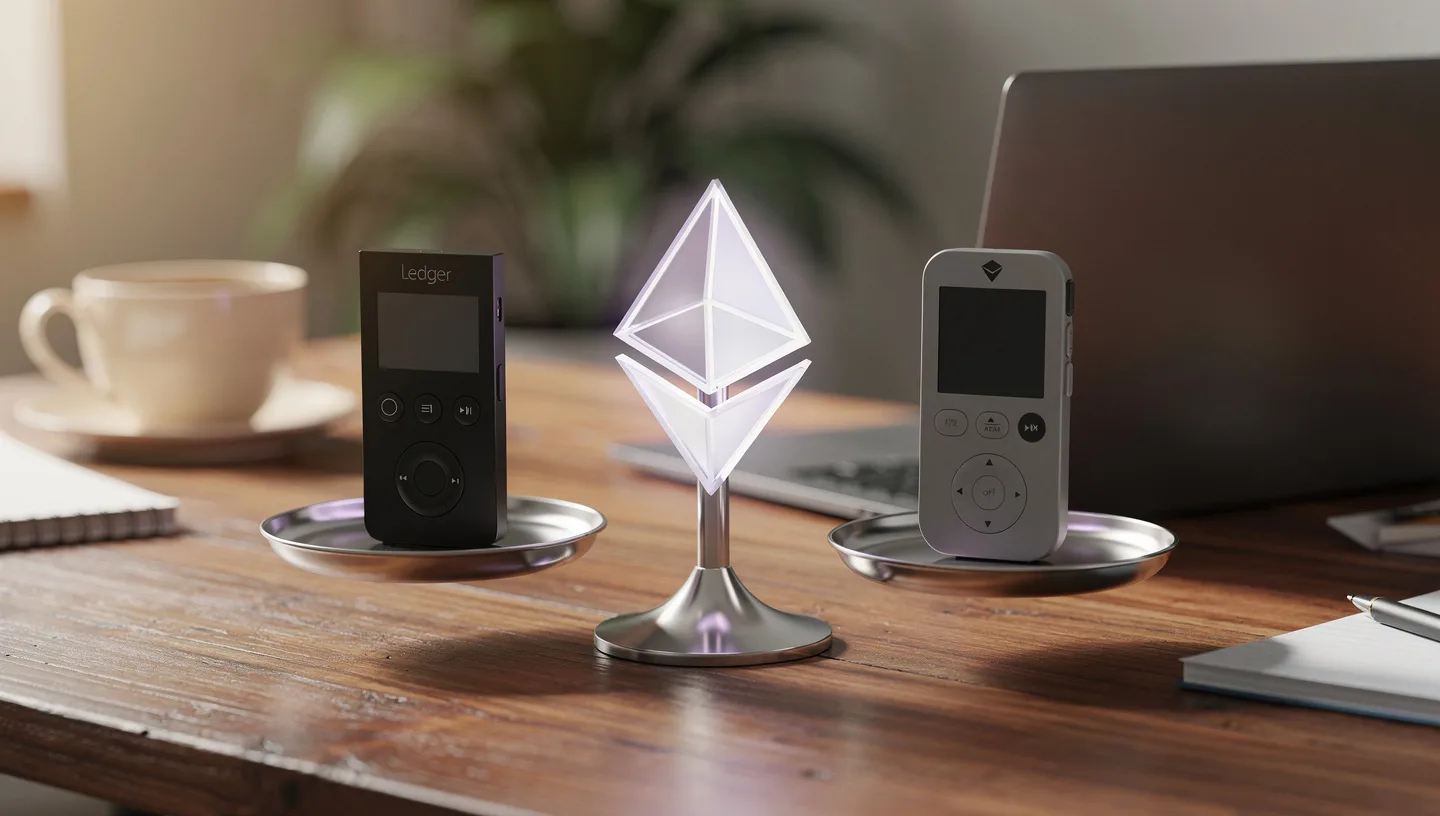
Keeping ETH on an exchange means someone else holds your keys. When the exchange freezes withdrawals, gets hacked, or shuts down, your options disappear fast. A hardware wallet puts those keys offline, on a physical device you own, so no one can reach them without the device in hand. In 2026, two names lead that space: Ledger and Trezor. Both are solid picks. The right one depends on how you actually use crypto, not on marketing pages.
This guide breaks down the real differences between the two: security architecture, Ethereum staking, DeFi access, coin support, price, and daily usability. By the end, you will have a clear picture of which wallet fits your setup.
Ledger vs Trezor at a Glance: How They Actually Differ
Before getting into the details, here is a quick side-by-side so you can see where the two brands pull apart.
Most comparisons stop here. This one goes further.
| Feature | Ledger (2026) | Trezor (2026) |
|---|---|---|
| Security model | Secure element chip (EAL5+/EAL6+), closed firmware | Open-source firmware, EAL6+ on Safe series only |
| Firmware transparency | Proprietary OS | Fully open-source |
| Coin support | 15,000+ tokens | 9,000+ coins |
| ETH staking | Native via Ledger Live | Via Everstake (third-party) |
| NFT support | Native in Ledger Live (ERC-721, ERC-1155) | Stores keys; display via MetaMask or OpenSea |
| Companion app | Ledger Live (full iOS/Android/desktop) | Trezor Suite (desktop + limited iOS) |
| Bluetooth | Nano X, Nano Gen5, Flex, Stax | Safe 7 only |
| Price range | $49 – $399 | $49 – $279 |
| Clear signing | Full on newer models | Partial (blind signing on older models) |
| Best for | Ethereum, DeFi, NFT, broad altcoin portfolios | Bitcoin, long-term holding, transparency-first users |
Models and Pricing: What You Actually Get for the Money
Both brands run a tiered product line from entry-level to premium. Price gaps are significant, so knowing what each tier actually adds saves you from overpaying for features you will never use.
Ledger models in 2026
- Ledger Nano S Plus ($49): USB-C only, no Bluetooth, no battery. Small OLED screen with two buttons. Desktop and Android only, not iOS. Best entry point if you never need wireless.
- Ledger Nano X ($119): Adds Bluetooth and a rechargeable battery. Same button-based interface. Works with iOS via Ledger Live mobile.
- Ledger Nano Gen5 ($179): New in late 2025. Brings a 2.8-inch E-Ink touchscreen to the Nano line. Bluetooth and NFC included. A clear step up from the Nano X in terms of readability.
- Ledger Flex ($249): Similar spec to the Gen5 but in a wider form factor. 2.84-inch E-Ink touchscreen. Good for users who want a larger signing surface without going full premium.
- Ledger Stax ($399): The flagship. A 3.7-inch curved E-Ink touchscreen, Qi wireless charging, Bluetooth, and NFC. The best NFT display on any hardware wallet on the market right now. Designed by Tony Fadell, who worked on the original iPod.
All Ledger devices run the same core firmware and connect to Ledger Live. Security level is consistent across the lineup. The differences are screen size, connectivity, and form factor.
Trezor models in 2026
- Trezor Model One ($49): The original. Tiny OLED screen, two buttons, USB-A connection. No secure element chip. Still works, but Trezor has stopped marketing it as a primary recommendation.
- Trezor Safe 3 ($59): The real entry point now. Compact monochrome screen, two buttons, and an EAL6+ secure element chip. Open-source firmware. Best bang-for-buck in the Trezor lineup.
- Trezor Model T ($129): Color touchscreen, USB-C, but no secure element. An awkward spot in the lineup: you pay more than the Safe 3 but get weaker hardware security.
- Trezor Safe 5 ($169): 1.54-inch color touchscreen, EAL6+ secure element, haptic feedback. No Bluetooth. A solid mid-range pick for users who want a touchscreen and open-source security.
- Trezor Safe 7 ($279): The flagship Safe. Dual EAL6+ secure element chips, Bluetooth 5.0, wireless Qi2 charging, IP67 water resistance, and a larger touchscreen. Trezor’s answer to the Ledger Stax.
Which model is the best value right now?
For most Ethereum users on a budget, the choice is between the Ledger Nano S Plus ($49) and the Trezor Safe 3 ($59). The Nano S Plus wins slightly on screen resolution. The Safe 3 wins on peace of mind with open-source code you can verify. If you plan to use DeFi or stake ETH regularly, the Ledger Nano X ($119) or Nano Gen5 ($179) make more sense because you get Bluetooth and a better app experience on mobile. For NFT collectors with a real budget, the Ledger Stax is the only device that actually shows NFT artwork natively on the hardware screen.
Security: Secure Element vs Open-Source Firmware
Security is the whole point of a hardware wallet. Both Ledger and Trezor keep your private keys on the device. Neither sends them to a server. Both require physical confirmation before any transaction goes through. Where they diverge is philosophy, and understanding that split helps you decide which model of trust suits you.
How Ledger protects your keys
Ledger builds its security around a secure element chip, the same technology used in passports, credit cards, and SIM cards. The chip is rated EAL5+ on older models and EAL6+ on the Flex, Gen5, and Stax. EAL6+ is a Common Criteria certification that means the chip has been independently tested against physical and logical attacks. Even if someone gets hold of your device, extracting keys from a properly secured EAL6+ chip is an extremely difficult task.
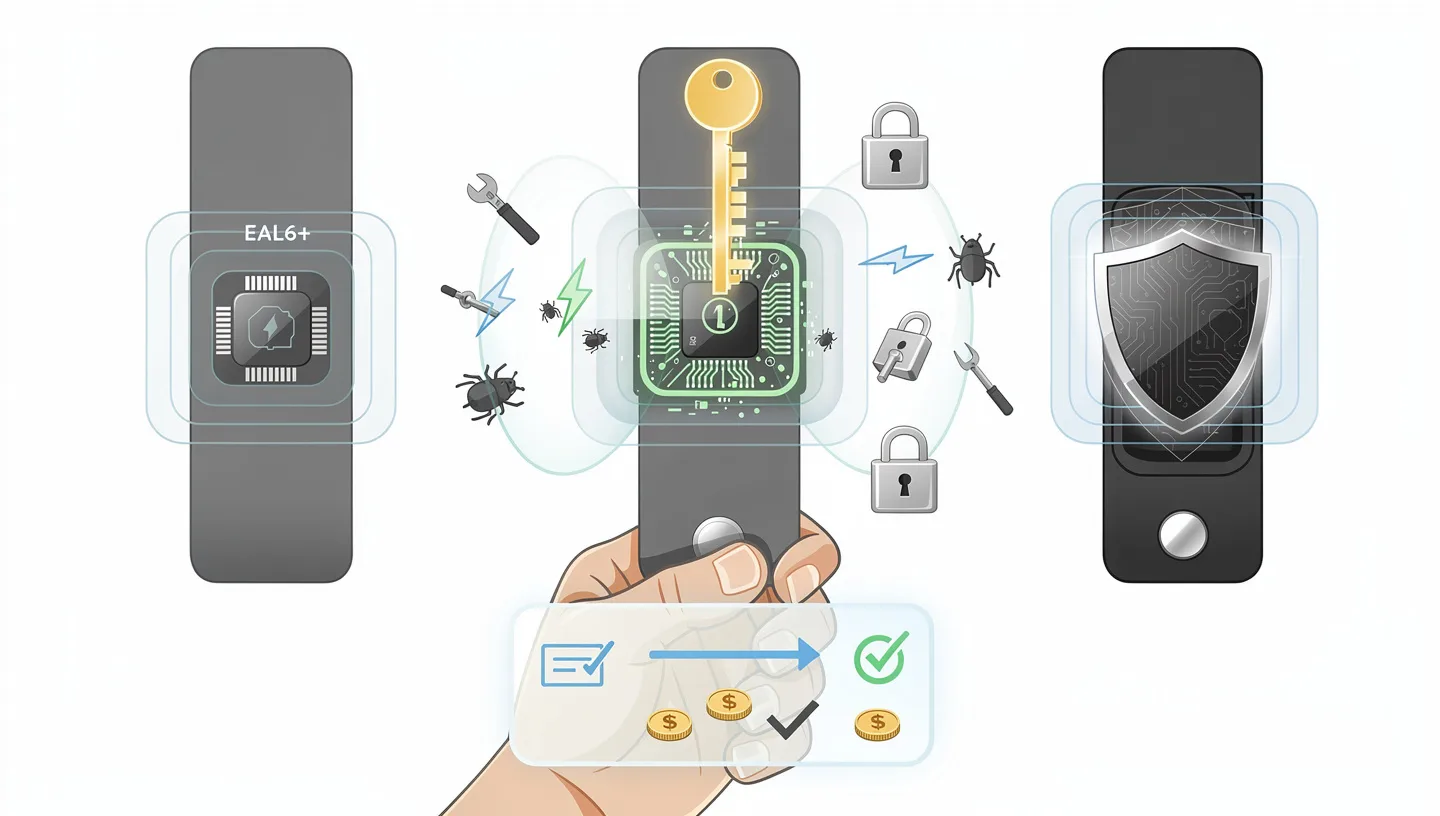
Ledger’s firmware is proprietary, meaning the code running on the device is not public. You are trusting Ledger’s engineering and their third-party audits rather than public community review. Newer Ledger models also support clear signing, where the device shows you exactly what you are approving in readable language before you confirm, which stops a large class of phishing attacks that exploit blind signing.
How Trezor protects your keys
Trezor’s approach is built on transparency. The firmware is fully open-source, which means researchers, developers, and anyone with the technical ability can read and audit the code. When bugs are found, they get spotted faster and fixed publicly. That track record matters.
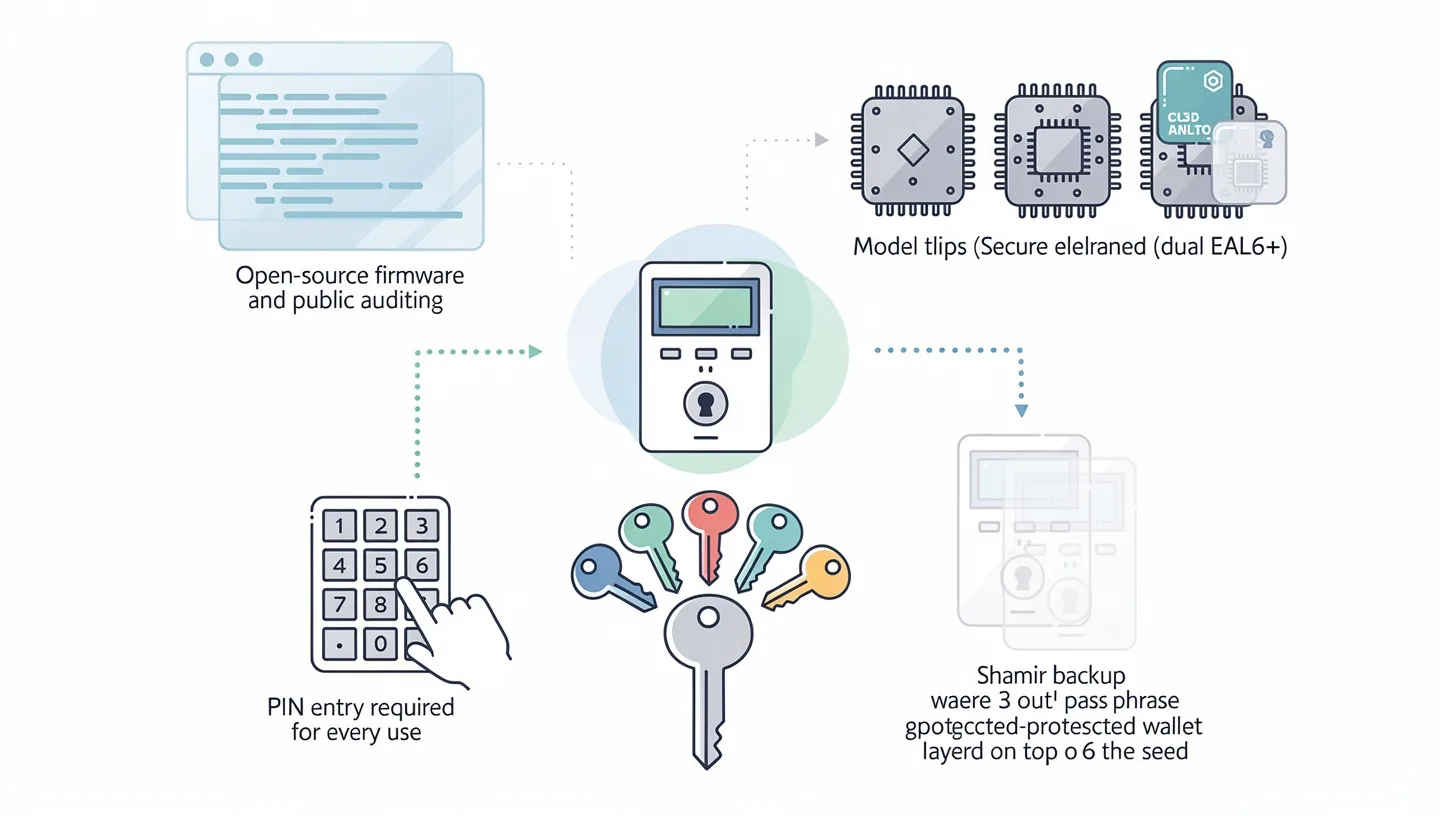
On hardware, the picture is more varied. The original Model One and Model T use standard microcontrollers with no secure element. The Safe 3, Safe 5, and Safe 7 all use EAL6+ certified chips, which closes that gap with Ledger significantly. The Safe 7 goes further with two EAL6+ chips in a dual-chip architecture.
Trezor also offers Shamir Backup (SLIP39) on select models, a method that splits your recovery phrase into multiple shares. You can set it so that three out of five shares are needed to restore access. For users who want a more sophisticated backup strategy, this is a meaningful advantage over a standard 24-word seed. Both devices require a PIN on every use and support an optional passphrase that creates an entirely separate wallet on top of your seed.
The real difference between a secure chip and open-source code
The short version: a secure element protects you from someone who has your physical device. Open-source firmware protects you from trusting a company whose code you cannot read. Both risks are real. They are just different risks.
If you lose your hardware wallet or it gets stolen, a tamper-resistant EAL6+ chip makes key extraction technically very hard. If you are concerned about whether the device is running code that does what it claims, open-source transparency gives you and the broader security community a way to verify that. The practical gap has narrowed in 2026 because Trezor’s Safe series now has secure element chips and Ledger has independent audits.
What actually puts people at risk in 2026
In early 2026, a campaign targeted Ledger customers using physical mailing addresses from the 2020 data breach. Official-looking letters arrived with Ledger branding, urgent language, and a QR code directing recipients to a fake site asking for their seed phrase. Once entered, funds were drained within minutes.
Neither Ledger nor Trezor, nor any legitimate wallet support team, will ever ask for your recovery phrase. Not for a migration. Not for a security check. Not for any reason. Three things to treat as immediate red flags:
- Urgent language (“your account will be locked,” “act within 24 hours”)
- A QR code or link asking you to “verify” or “authenticate” your wallet
- Any request for your seed phrase, in any context, from any source
Write your seed phrase on paper and store it somewhere physically safe. Never type it into any website or app. This one habit protects you far more than any chip certification.
Ethereum Support: Staking, DeFi, and ERC-20 Tokens
For ETH holders specifically, the comparison between Ledger and Trezor gets more interesting. Both wallets support Ethereum. But how they handle ETH staking, DeFi access, and the broader Ethereum toolset is where meaningful differences show up.
How Ledger handles Ethereum staking
Ledger supports ETH staking directly inside Ledger Live without needing any third-party platform. You connect the wallet, open the app, and stake from there. Your private keys never leave the device during the process. Ledger Live also supports staking for Cardano, Polkadot, Solana, Cosmos, and Tezos, all from one interface.
For users who want to understand how Ethereum Proof of Stake works before committing funds, it is worth reading up on the mechanics first. The short version: staking ETH means locking it to help validate the network, in exchange for rewards.
How Trezor handles Ethereum staking
Trezor partners with Everstake for ETH staking. Everstake has a solid reputation with over 750,000 investors, more than $1.5 billion in staked ETH, and independent audits on record. Your keys stay on the device. The risk is that staking goes through a smart contract on Everstake’s side, which adds one layer of trust you do not control. For long-term ETH holders who stake once and check back monthly, this setup works fine. For users who want to move in and out of staking positions more frequently, Ledger’s native integration is more convenient.
Connecting to MetaMask and DeFi apps
Both wallets work with MetaMask. You connect the hardware wallet to MetaMask, and it uses the device to sign transactions while your keys stay offline. This is the standard setup for anyone using DeFi protocols, swapping tokens, or interacting with smart contracts on Ethereum.
The difference is in how direct the path is. Ledger integrates with MetaMask smoothly, and Ledger Live itself gives you access to DeFi apps, token swaps, and portfolio management without leaving the app. Trezor requires you to go through a third-party wallet like MetaMask or MyEtherWallet for most DeFi activity. Trezor Suite does not support WalletConnect natively, which means you cannot connect directly to dApps from within the app. If you are setting up MetaMask for the first time, the guide on how to set up MetaMask covers the process.
ERC-20 token and NFT support on Ethereum
Ledger Live displays NFTs natively, with ERC-721 and ERC-1155 tokens showing up with artwork, collection name, and token details inside the app. On the Ledger Stax and Flex, the NFT image displays directly on the device screen when you are signing a transfer. Trezor stores the keys for your NFTs securely, but to view or interact with them, you need to connect to OpenSea or MetaMask. There is no native NFT display in Trezor Suite.
For ERC-20 tokens, both wallets handle them well. Ledger supports a broader list natively. Trezor covers all major ones and relies on MetaMask for anything outside its default list. If you need to transfer Ethereum or ERC-20 tokens, the flow is similar on both devices: approve on the device screen and confirm the address matches what you expect.
Ledger Live vs Trezor Suite: The App Experience
The companion app is where most of your daily interaction happens. Hardware differences matter less than people think if the app is slow, confusing, or missing features you need.
What Ledger Live does well
Ledger Live is a full portfolio and asset management platform. From one interface, you can check balances, buy crypto, swap tokens, stake assets, manage NFTs, and connect to DeFi apps. It is available on iOS, Android, and desktop with full functionality across all platforms. The app pushes firmware updates and handles all device management, so you rarely need to go anywhere else.
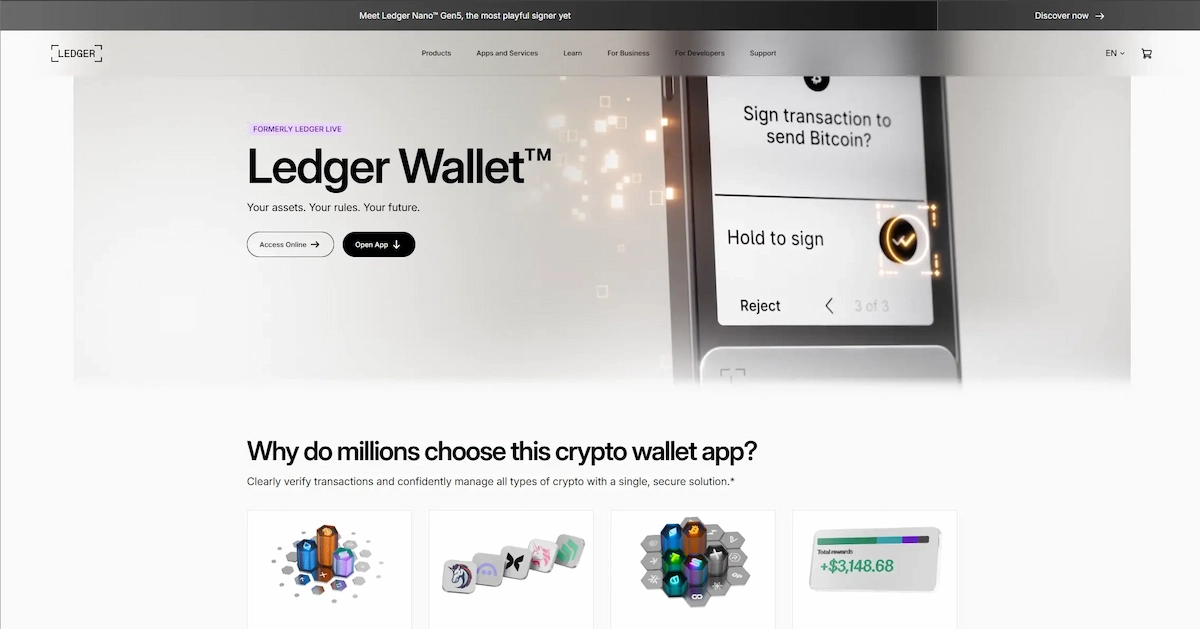
The tradeoff is that Ledger Live integrates a lot of partner services for swapping and buying. That is not inherently a problem, but it means more steps, more screens, and more partner disclosures than Trezor Suite. Some users find it feature-heavy. Others find it exactly what they want.
Where Trezor Suite keeps it simple
Trezor Suite is cleaner and less cluttered. The portfolio view is straightforward, the send and receive flows are easy to repeat, and there are fewer paths to accidentally tap. For users who primarily hold Bitcoin and Ethereum and move funds a few times a month, Trezor Suite covers everything without noise.
The gaps show up in staking options, DeFi access, and NFT display, all of which require external tools. iOS support is also limited compared to Ledger Live. Android users get a better mobile experience on Trezor than iPhone users do.
Third-party wallet compatibility
Both wallets connect to MetaMask, MyEtherWallet, and Exodus. Ledger extends to 50+ native integrations inside Ledger Live. Trezor works well with third-party tools but requires them more often. If your workflow already revolves around MetaMask, Trezor is a perfectly capable signing device. If you want everything in one app, Ledger has the edge.
Coin Support: How Big Is the Gap in Practice?
The headline numbers, 15,000 tokens for Ledger vs 9,000+ for Trezor, sound like a big gap. In practice, it depends heavily on what you hold.
What Ledger supports
Ledger covers essentially every major blockchain and most mid-tier altcoins natively in Ledger Live. This includes Polkadot, Cosmos, Tron, Algorand, and a large number of assets that require third-party apps on Trezor. For users with diverse portfolios across multiple chains, Ledger’s broader native support saves time and reduces friction. Understanding Ethereum gas fees also helps you plan when to move funds between the device and active wallets.
What Trezor supports
Trezor covers Bitcoin, Ethereum, Litecoin, Dogecoin, Solana, Cardano, major stablecoins, and all common ERC-20 tokens. For most people, this is enough. The notable absences are Tron (TRX) natively, Polkadot (DOT) natively, and some smaller altcoins. If your portfolio sits within the top 20 by market cap, you will not hit walls with Trezor.
Does coin support actually matter for most users?
For ETH holders who also keep some Bitcoin and a few top altcoins, Trezor is perfectly sufficient. For users who actively move between chains, hold assets across multiple layer-2 networks, or regularly add new coins to their portfolio, Ledger’s broader coverage removes friction. If you are bridging ETH to layer-2 networks for cost savings, the guide on bridging ETH to layer 2 explains the process.
Ledger vs Trezor: Head-to-Head by Use Case
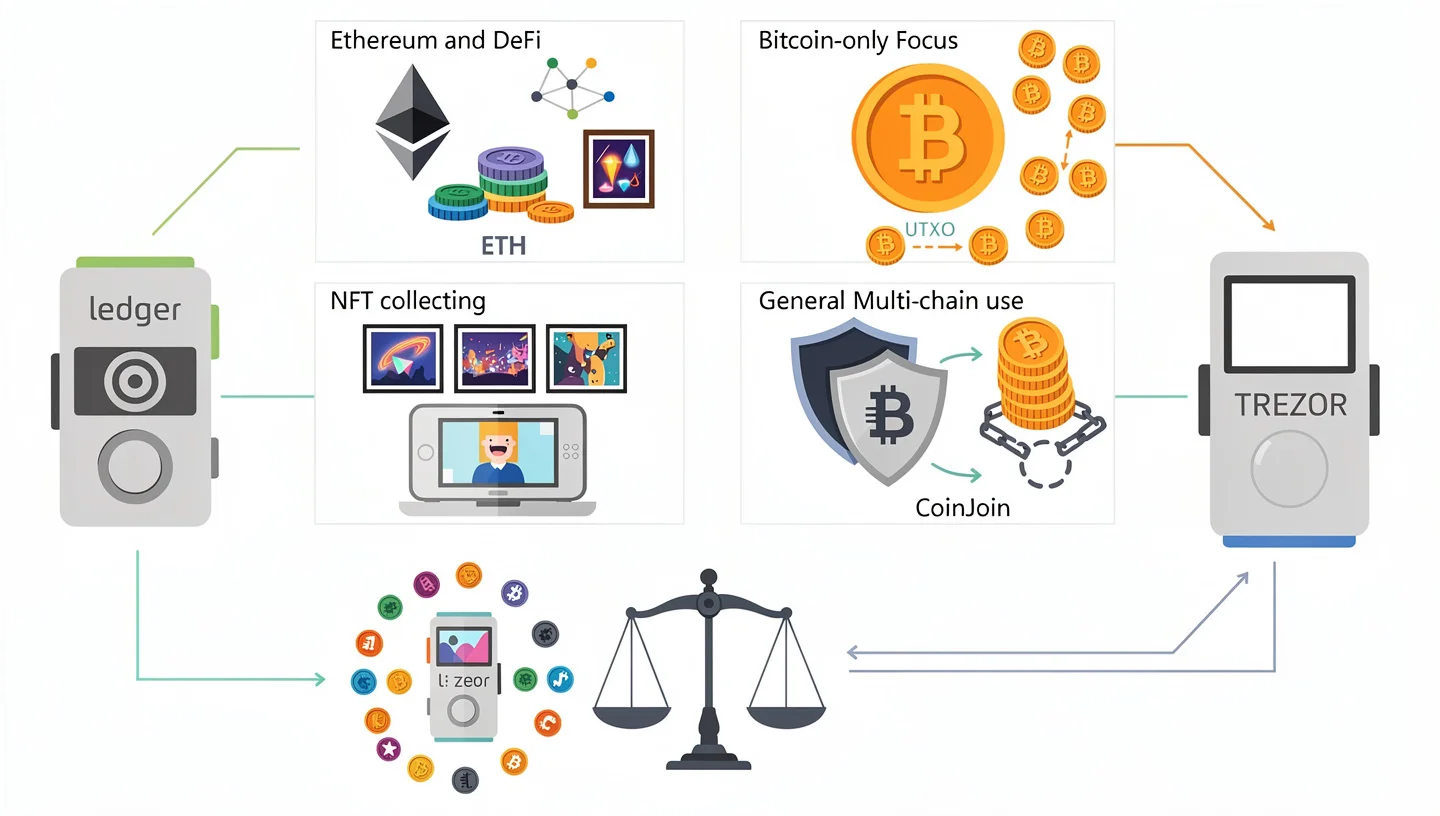
Rather than a single answer, the better question is which wallet fits your actual situation. Here is a direct breakdown.
Best hardware wallet for Ethereum and DeFi users
Ledger wins here. Native ETH staking in Ledger Live, direct MetaMask integration, ERC-20 support across thousands of tokens, and NFT display put Ledger ahead for anyone actively using the Ethereum network. The Ledger Nano Gen5 at $179 or the Ledger Flex at $249 are the best options in this use case. Both have touchscreens and Bluetooth.
Best hardware wallet for Bitcoin holders
Trezor wins here. Coin control, CoinJoin support, open-source firmware, and a clean interface make Trezor the go-to for Bitcoin-first users. The Trezor Safe 3 at $59 covers everything a Bitcoin holder needs without paying for features that serve a different use case.
Best hardware wallet for NFT collectors
Ledger wins here. The Ledger Stax is the only hardware wallet that displays NFT artwork on the device itself. Ledger Live shows ERC-721 and ERC-1155 tokens natively. For NFT collectors who want to manage and verify their holdings without connecting to a browser wallet for display, Ledger is the only real option right now.
Best hardware wallet for beginners on a budget
Call it even, depending on your priorities. The Ledger Nano S Plus at $49 gives you the Ledger Live app at the lowest entry price. The Trezor Safe 3 at $59 gives you open-source firmware and a secure element chip for $10 more. If you plan to expand into DeFi or ETH staking later, starting with Ledger sets up a path that requires fewer additional steps. If you value being able to verify what your device is running, start with Trezor. If you are also buying ETH for the first time alongside the wallet, the guide on how to buy Ethereum covers what to do next.
Best hardware wallet for advanced users who want full transparency
Trezor wins here. The Trezor Safe 7 combines dual EAL6+ secure element chips with fully open-source firmware, Bluetooth, and wireless charging. For users who want to run their own node and verify everything the device does, Trezor’s transparency model holds up better than Ledger’s closed firmware approach.
The Ledger Data Breach: Does It Still Matter in 2026?
In 2020, Ledger’s marketing database was breached. Roughly 272,000 customer records, including names, email addresses, phone numbers, and physical mailing addresses, were leaked and later published publicly. This led to a wave of targeted phishing attacks and physical threats directed at some users whose home addresses were exposed.
It was a serious incident. What it did not compromise was private keys. The breach was in Ledger’s e-commerce and marketing systems, not in the devices, not in Ledger Live, not in the firmware. No seed phrases were taken. No hardware wallet was broken into through the breach.
Ledger responded with changes to data retention policies and reduced how long customer shipping data is stored. In 2026, the breach remains a fair reason to be cautious about sharing personal information with any crypto company. But it is not a reason to conclude that Ledger hardware is less secure for storing keys. The lesson it reinforces is the same one that applies to every hardware wallet: the device’s security matters, and so does the security of everything around it.
Final Verdict: Ledger or Trezor?
There is no single correct answer here. What there is: a clear match between use case and device.
| You should pick | If you… |
|---|---|
| Ledger Nano S Plus ($49) | Want the lowest entry price, desktop use only, no wireless needed |
| Ledger Nano Gen5 ($179) | Hold ETH, use DeFi or staking, want Bluetooth and a touchscreen |
| Ledger Stax ($399) | Are an active NFT collector who wants native display on the device |
| Trezor Safe 3 ($59) | Primarily hold Bitcoin, want open-source firmware, working on a budget |
| Trezor Safe 5 ($169) | Want a touchscreen and open-source security in the mid-range |
| Trezor Safe 7 ($279) | Want the most transparent, most auditable device with premium hardware |
For Ethereum users specifically: Ledger gives you a better native experience with staking from Ledger Live, direct MetaMask connection, ERC-20 breadth, and NFT management without leaving the app. Trezor is a capable ETH storage device and works fine with MetaMask, but you will do more of your work outside Trezor Suite than inside it.
For Bitcoin holders and users who want to verify everything their device does: Trezor is the cleaner choice. Open-source firmware, Shamir Backup, and a straightforward interface make it the preference for long-term holders who move funds rarely and want full transparency about what the device is running.
Whichever you choose, buy from the official website. Not from a marketplace. Not from a reseller on a third-party platform. A hardware wallet is not the place to save $20 on a used device. If you decide to sell ETH after using a hardware wallet for a while, the guide on how to sell Ethereum covers the steps for moving funds back to an exchange.
Frequently Asked Questions
Is Ledger or Trezor better for Ethereum?
Ledger is the stronger choice for Ethereum users. It supports native ETH staking inside Ledger Live, works directly with MetaMask, displays ERC-20 tokens and NFTs natively, and gives DeFi users a more complete in-app experience. Trezor handles ETH storage well and connects to MetaMask, but staking requires Everstake as a third party and DeFi access requires an external browser wallet.
Can both wallets connect to MetaMask?
Yes. Both Ledger and Trezor connect to MetaMask as a hardware signing device. You use MetaMask as the interface and the hardware wallet to sign transactions. Your private keys stay offline on the device throughout.
Is Trezor safer than Ledger?
Neither is definitively safer. They use different security models. Ledger uses a certified secure element chip (EAL6+ on newer models) with proprietary firmware. Trezor uses open-source firmware that the community can audit, and its Safe series also has EAL6+ secure element chips. On the newer Safe series, the hardware security gap between the two has largely closed.
Which hardware wallet is cheaper, Ledger or Trezor?
At the entry level, both start at $49. The Trezor Safe 3, which is the more practical entry pick for new buyers in 2026, costs $59. At the premium end, Trezor’s Safe 7 ($279) is cheaper than Ledger’s Stax ($399). Across the mid-range, prices are comparable.
Did the Ledger hack affect private keys?
No. The 2020 Ledger data breach exposed customer names, email addresses, phone numbers, and shipping addresses from Ledger’s marketing database. It did not affect private keys, seed phrases, firmware, or the hardware wallets themselves. The breach was in Ledger’s e-commerce systems, not in the devices or Ledger Live.
Can I stake ETH on both Ledger and Trezor?
Yes, both support ETH staking. Ledger handles it natively inside Ledger Live without any third-party platform. Trezor routes ETH staking through Everstake, a reputable provider with independent audits, but it adds a layer of smart contract trust. For details on what staking involves before you commit funds, see the guide on how to stake Ethereum.